
Save the exact model files, revision, slicer project and material details for an organiser you intend to repair or expand. I would keep a small fit sample with the box. A download link alone is not enough when a designer updates a part or a local printer profile changes.
On this page
Our recommendation
I would keep a compact, readable record alongside the files rather than relying on memory or a collection of screenshots. It makes future repairs cheaper and avoids repeating successful experiments.
Record the configuration, not just the filename
Keep the model source URL, download date, licence, revision and a list of the parts actually printed. Distinguish unmodified files from local edits. Save the slicer project where possible, because orientation, scale and support choices may matter as much as the source geometry.
Record the game edition, expansions and sleeve line that the organiser fits. A later reprint of the game can introduce different components, and a thicker sleeve can make an unchanged card tray appear defective. Tie the successful fit to the whole configuration.
Make replacement parts identifiable
Use a consistent part code in the record and on a removable label in the storage area. Keep one photograph showing the assembled arrangement. If a wall or tab breaks, you should be able to identify the required file without opening every model in a folder.
Before printing a replacement, compare the old profile and the current printer setup. Run the saved fit coupon if important settings or material have changed. Do not assume that the same filename with a different slicer profile will reproduce the same result.
A useful repair entry
“Tray C, revision 1.2, printed at 100% scale in blue PLA; lid faces upward; profile archived as GameName-C.3mf; fits edition 2025 with sleeve line X; corner coupon stored in spare-parts envelope.” This hypothetical entry is short enough to maintain and specific enough to explain why a later part does or does not fit.
Before you act
- Archive the exact revision and any permitted local edits.
- Save the slicer project and material identity.
- Link the part record to the actual game configuration.
Use the Box inventory template to apply the guide to your own setup.
Keep exploring
- Check a 3D-printed board game insert before printing the full set
- Board game component inventory: check missing pieces before game night
Method note: this is an original planning procedure with illustrative inputs. It does not report a physical product test. Check the exact product, edition and official instructions before acting.
Build on what you just learned
Your next useful step.
Find components, rulebooks and the right expansion.
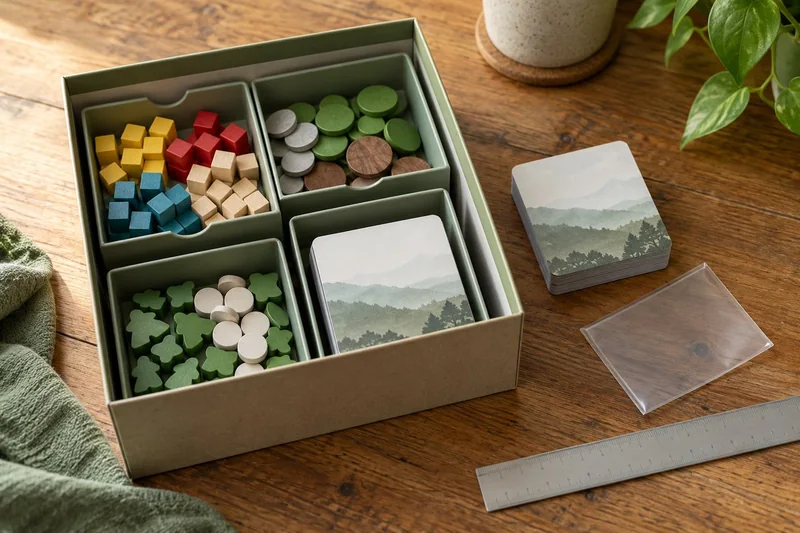
Wingspan Americas: update the storage plan before adding the new cards
Treat Americas as a mixed-component expansion, not simply another stack of bird cards.
Read the guide →
Wingspan Vision-Friendly Cards: replace the set without confusing the deck
If Wingspan’s card text is the obstacle, I would try the publisher’s Vision-Friendly cards before buying generic magnifiers or printing unofficial…
Read the guide →