Evidence methodology · All tools
Write labels that survive a future reorganization
A label should answer which game this container belongs to, which edition or language it serves and what group is inside. A short location code can connect a small container to a fuller inventory without squeezing an entire component list onto its face. Keep naming consistent across physical boxes and the exported record.
Use neutral IDs for campaign materials when an outside name could reveal a spoiler. Distinguish base components from optional modules, and identify a rules or map folder stored elsewhere. A label is a retrieval aid; it does not prove that an expansion is compatible or that the box is complete.
Illustrative scheme: BG-014 / expansion cards / English edition / map folder BG-014-M. If you later split the expansion back into its original box, update both the label and inventory together. A label that still says “all expansions” after one is removed creates a misleading packing instruction.
- Choose readable wording before changing typography.
- Preview the output and check that text remains legible at the actual print size.
- Use a removable external holder or suitable enclosure when possible.
- Avoid adhesive directly on valuable paper components and retain original identification.
For a printed label, verify scale and the supported printing workflow before using a full sheet. The generator’s output does not establish printer-media compatibility. See spoiler-safe campaign storage and consolidated expansion labels.
Build on what you just learned
Your next useful step.
Find components, rulebooks and the right expansion.
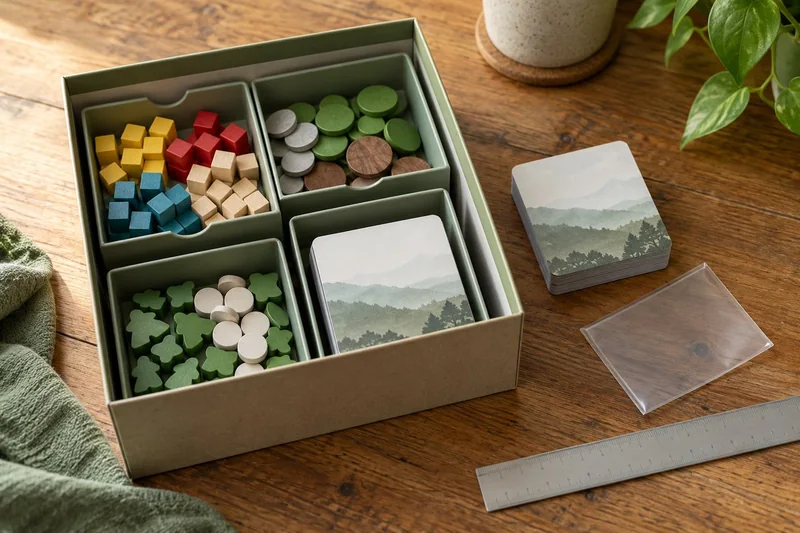
Wingspan Americas: update the storage plan before adding the new cards
Treat Americas as a mixed-component expansion, not simply another stack of bird cards.
Read the guide →
Wingspan Vision-Friendly Cards: replace the set without confusing the deck
If Wingspan’s card text is the obstacle, I would try the publisher’s Vision-Friendly cards before buying generic magnifiers or printing unofficial…
Read the guide →